

Live Blog for News: Drive Google Top Stories Traffic
Create live blogs that are fully compatible with Google's live blog structured data, helping your content appear in Google Top Stories and search results. Deliver real-time updates with multimedia embeds, in-feed ads, and interactive tools. Ideal for breaking news, live events, and ongoing coverage.
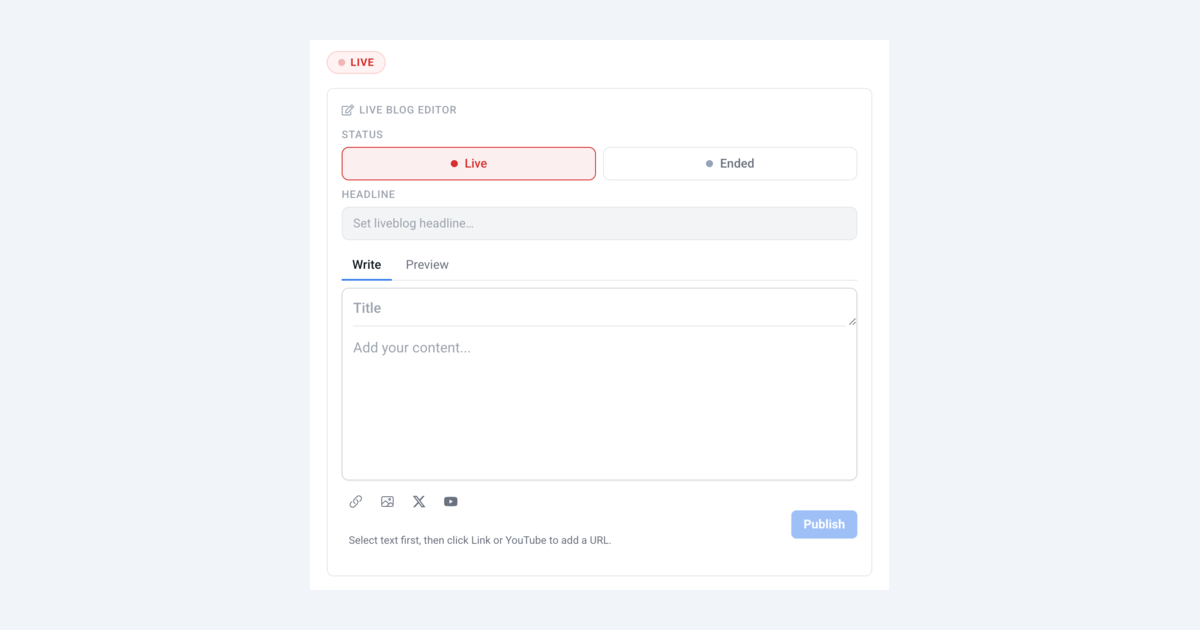
Introduction
UniSignIn's live blog experience helps publishers cover breaking news, live events, and developing stories with real-time updates while automatically generating Google-compatible structured data that makes your content eligible for Google Top Stories and rich search results, driving significant organic traffic to your site.
Google's search engine surfaces live blogs in the Top Stories carousel when they include proper LiveBlogPosting schema markup. UniSignIn handles this automatically. Every live blog post generates the required structured data, so your editorial team can focus on content while your pages are optimized for search visibility.
Supporting diverse content formats such as article links, YouTube videos, TikTok embeds, Facebook and Instagram posts, JW Player videos, images, and quotes allows you to create a rich, multimedia experience. This variety keeps your content dynamic and appealing to a wide range of audience preferences.
Features
- 1Google Top Stories & SEO
- UniSignIn live blogs automatically generate Google-compatible LiveBlogPosting structured data (schema.org), making your content eligible for Google Top Stories carousels and rich search results. Drive organic traffic to your live coverage without any manual markup.
- 2Multiple Content Types
- Embed an extensive range of content formats within your live blog, including articles, YouTube and TikTok videos, Facebook and Instagram posts, JW Player videos, images, and quotes. This flexibility allows you to craft a rich, dynamic experience that captures and retains reader attention.
- 3Social Media Integrations
- Integrate content from popular social media platforms like YouTube, TikTok, Facebook, and Instagram directly into your live blog, making it easy to share multimedia updates and engage with your audience on various platforms simultaneously.
- 4Image and Video Embeds
- Easily embed images and videos, including JW Player content, to enhance storytelling and provide readers with visual insights alongside real-time updates.
- 5Pin Post
- Pin important updates to the top of your live blog feed so readers always see the most critical information first, even as new posts are added.
- 6In-Feed Ad Support
- Monetize your live blog by inserting ad slots between posts at configurable intervals. Set the starting position and frequency of ads to balance revenue and reader experience.
Ad Support
Monetize your live blog by inserting ad slots directly into the post feed. Configure when the first ad appears and how frequently subsequent ads are shown using simple data attributes.
How It Works
- The live blog renders posts in chronological order.
- After a configured number of posts (
data-ad-start), the first ad slot is inserted. - Subsequent ad slots are inserted at regular intervals (
data-ad-interval) after the first ad.
For example, with data-ad-start="3" and data-ad-interval="5":
- Posts 1, 2, 3 are displayed
- Ad slot is inserted
- Posts 4, 5, 6, 7, 8 are displayed
- Ad slot is inserted
- Pattern continues for the rest of the feed
Configuration
| Attribute | Required | Description |
|---|---|---|
data-ad-start | No | Number of posts after which the first ad appears. e.g., 3 means the first ad shows after the 3rd post. |
data-ad-interval | No | Number of posts between each subsequent ad after the first. e.g., 5 means an ad appears every 5 posts. |
Example
<div
  data-exp="unis-liveblog"
  data-post-id="your-article-id"
  data-ad-start="3"
  data-ad-interval="5"
></div>
The live blog inserts ad placeholder elements with the CSS class unis-liveblog-ad-slot into the feed. Configure your ad provider (e.g., Google Ad Manager, AdSense) to target these elements to fill the ad slots.
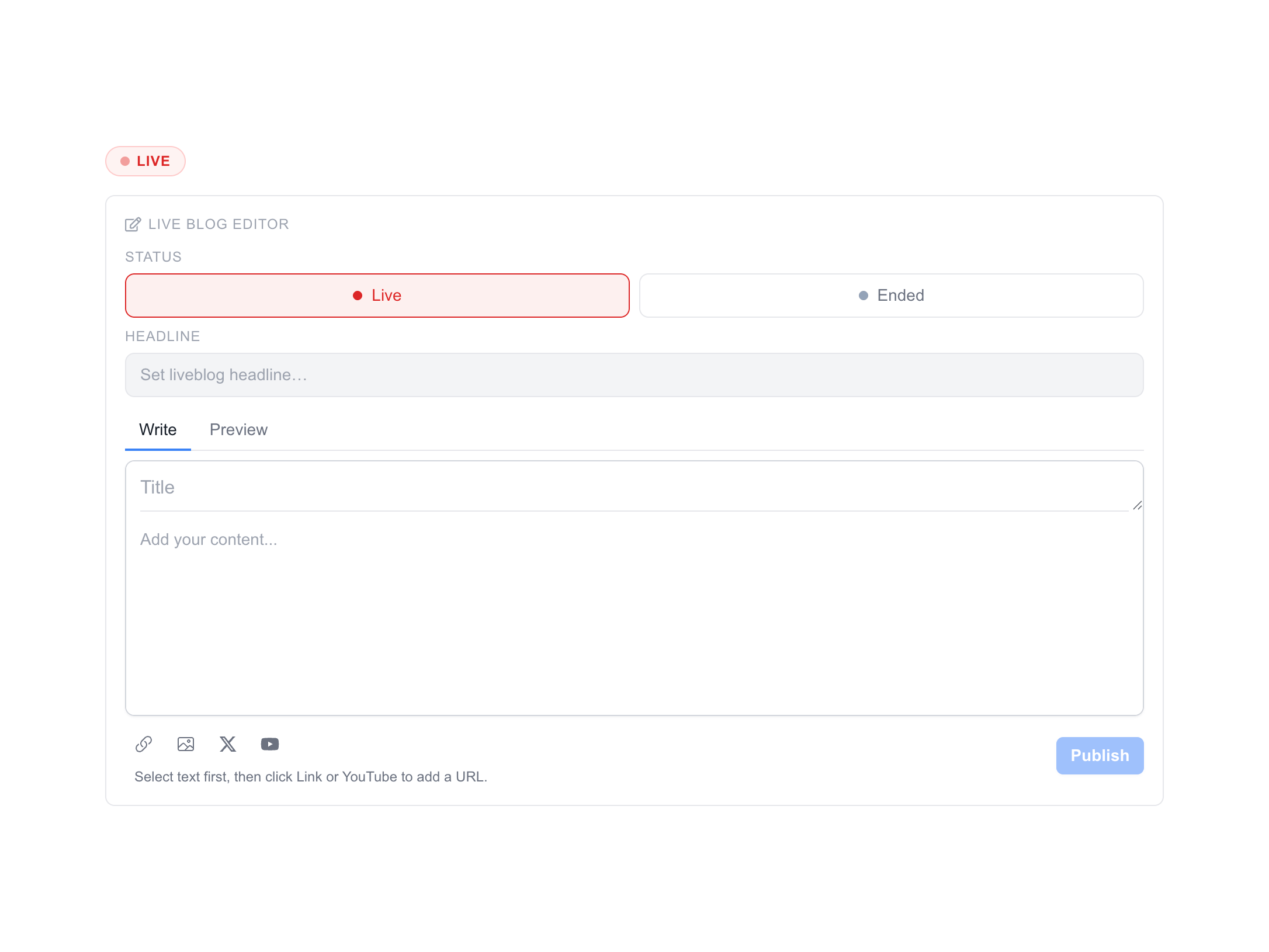
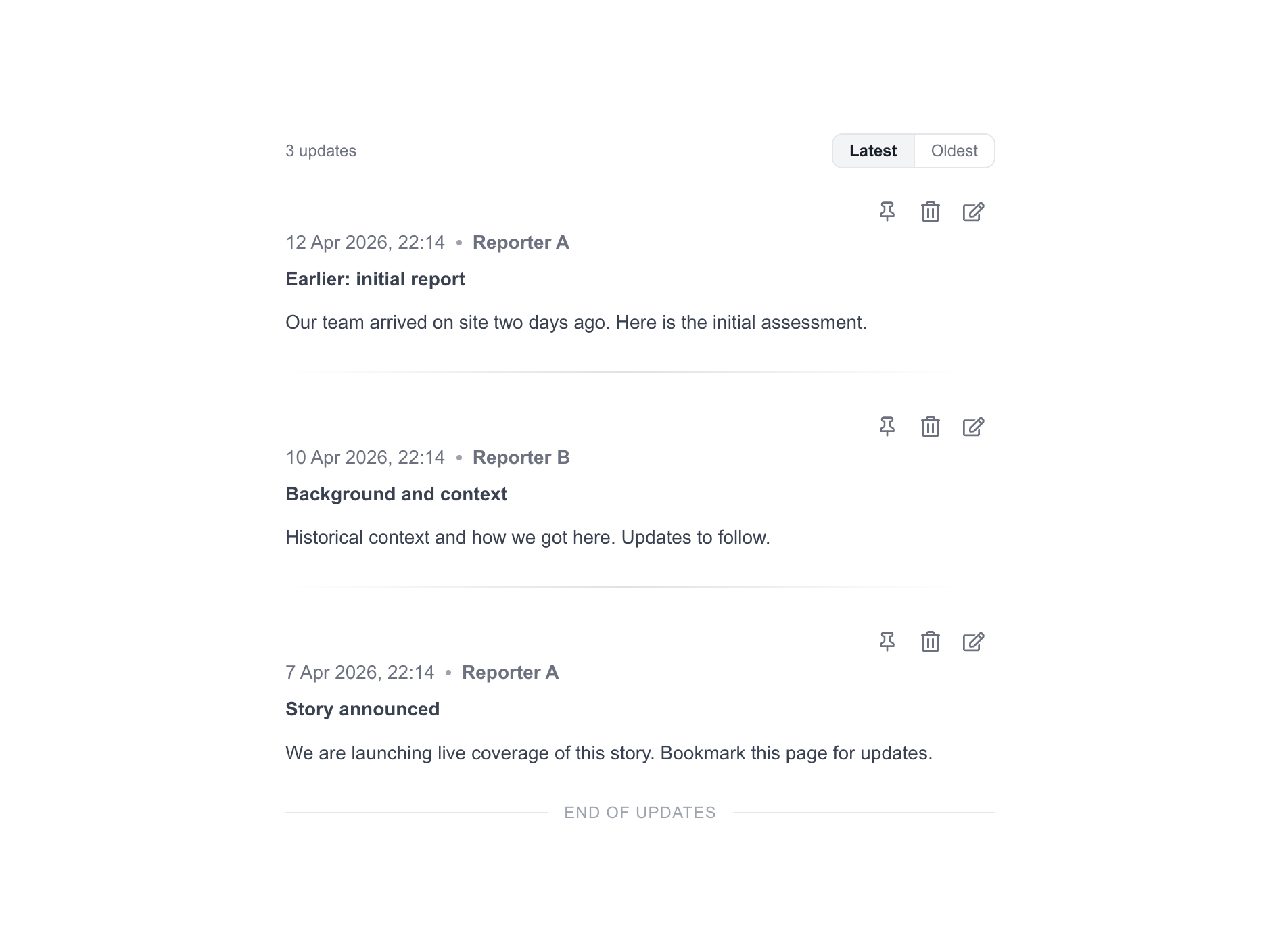
Screenshots
Own Your Audience Data, Grow Your Revenue
The complete first-party data solution built specifically for publishers who want independence from third-party cookies
Privacy-First Login
Build reader trust with transparent, compliant authentication
Actionable Insights
Transform reader behavior into targeted content strategies
Seamless Integration
Live in days, not months, with your existing CMS
Proven Results
40% higher ad rates and 35% growth in subscriber conversion
Trusted by leading publishers to reclaim audience relationships and maximize monetization opportunities.
Stay ahead in first-party data
Identity, consent, audience, and subscription insights for publishers. A few emails a month, no spam.